
What Is a Link-in-Bio Page? And Why Your Business Needs One
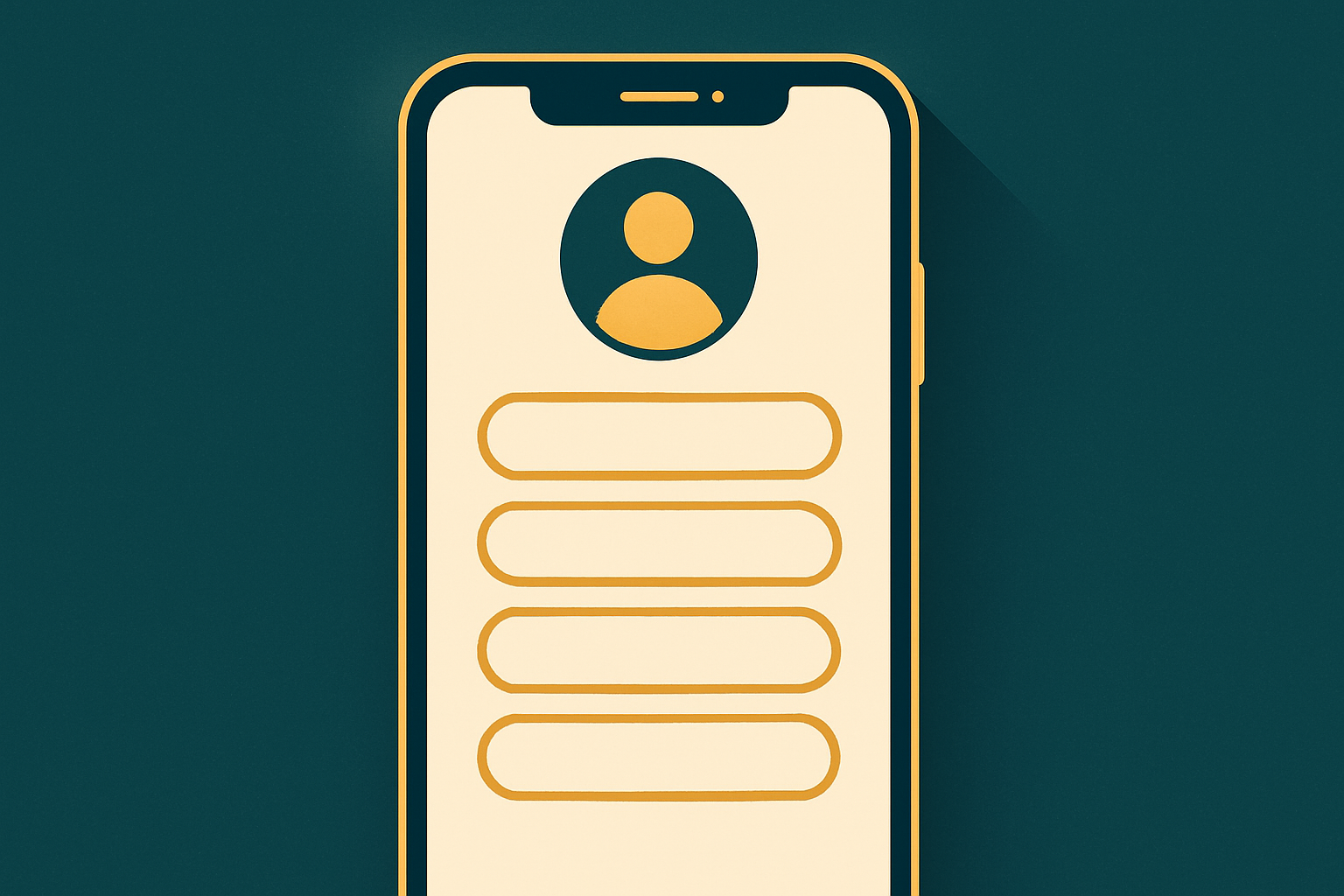
The moment you set up an Instagram or TikTok profile, you bump into a small but frustrating limit: a single link slot in your bio. You have a store, a menu, a WhatsApp number, accounts on several platforms, and maybe a current offer you want to highlight — yet the platform gives you one link. This is exactly where a link-in-bio page comes in.
What is a link-in-bio page, simply?
A link-in-bio page is one fast page, opened from a single link, that presents all your important buttons and links in an organized, elegant place. Instead of swapping the bio link every week — once for an offer, once for the store, once for the menu — you keep one permanent link that leads visitors to a page containing everything. They open it on their phone and find clear buttons: “Order on WhatsApp,” “Menu,” “Store,” “Find us,” and your social accounts.
Why isn’t one link enough?
Imagine you launch a new offer and put its link in your bio. A week later the offer ends, so you have to change the link. Every change loses the visitors who saved the old one and confuses followers who got used to a destination. Worse, you don’t actually know which link people clicked, or where they came from. A bio page solves this at the root: one permanent link, with all updates happening inside the page itself.
The common problems a bio page solves
- Scattered across apps: the menu in one place, WhatsApp in another, the store in a third — a bio page gathers them all.
- No measurement: without a bio page you don’t know which button your audience cares about. With analytics you see top links and traffic sources.
- Weak Arabic support: most global link-in-bio tools are weak on Arabic and right-to-left (RTL) layout.
- Hard to share and print: without a clean QR code it’s hard to put your link on a printed flyer, a table, or a story.
What makes a good bio page?
A good page is more than a list of links. It’s a fast, mobile-friendly experience that carries your brand identity (your colors, font, and image) and guides visitors toward your main goal — whether that’s ordering, booking, or buying. It should also be secure, respect visitor privacy, and give you real performance data without slowing the page or stalking the user.
Why GoSocial Bio Hub specifically?
GoSocialAI’s bio page is built Arabic-first: right-to-left by default, elegant Arabic fonts, and an Arabic/English toggle inside the page itself. And it isn’t an isolated tool — it’s part of an integrated system: it links your digital menu in one tap, opens WhatsApp with a ready message, and shows your location on the map. You also get rich blocks like video embeds, countdown timers, and a lead-capture form, plus privacy-safe analytics (no cookies, no IP storage).
Privacy isn’t a luxury
Many tools rely on cookies and track users aggressively. We believe respecting your visitors’ privacy is part of being professional. That’s why GoSocial Bio Hub analytics rely on anonymous daily counts only: views, clicks, top links, devices, and countries — with no cookies and no personal identifier stored. You get a clear view of your page’s performance without worrying about legal obligations or annoying users.
Who needs a bio page? Practical examples
The short answer: anyone with a social audience. But let’s make it concrete. A restaurant or café places an “Order on WhatsApp” button, a “Menu” button, and a “Find us” button on one page, shortening the journey from view to order. An online store links the shop, a specific product page, the current discount code, and a WhatsApp support channel. A clinic or service provider adds a booking button, a reception number, the location, and a short intro video. A content creator gathers their YouTube and TikTok channels, a link to the latest video, and a form for brand-collaboration requests. In every case the logic is the same: turning in-the-moment interest into a clear, real next step.
How to choose your buttons wisely
The most common mistake is cramming in so many buttons that the page becomes a confusing list. The golden rule: lead with your main goal at the top. If your goal is orders, make the order button the first and most prominent element. Order the rest by importance, and use sections to group similar items (an “Order” section and a “Follow us” section). A few well-ordered buttons always beat a long random list, because visitors decide in seconds and clarity wins.
Common mistakes to avoid
- Constantly changing the link: swap the content inside the page, not the link itself, so you don’t lose people who saved it.
- Ignoring mobile: most of your visitors are on mobile, so test your page on a phone first.
- Skipping measurement: without analytics you keep guessing. The numbers tell you what actually works.
- A design that doesn’t match your brand: colors, font, and image are part of customer trust; a generic page with no identity looks less professional.
When should you start?
If you have any digital presence — a store, restaurant, clinic, e-commerce shop, or even a personal account — you need a bio page from day one. It costs nothing to start, and the payoff is big: a cleaner experience for your followers, more clicks, and data that helps you make better decisions. More importantly, you’re building a digital asset you own — a permanent link that grows with your business instead of depending entirely on platform algorithms. Start your free page now, and in the next guide we’ll walk you step by step through building, customizing, and measuring it.
Related articles
A Bio Page for Restaurants: Menu, WhatsApp & Location in One Link
A restaurant with a single bio link loses orders. Learn how to combine your menu, WhatsApp ordering, location, and offers into one fast bio page with a QR for tables.
GoSocial Bio Hub: A Step-by-Step Guide to a Professional Bio Page
In a few minutes you can build a fully branded bio page: colors, Arabic fonts, buttons, video and countdown and lead-form blocks, and a QR code — then track the analytics. Here’s your practical guide.