
A Bio Page for Restaurants: Menu, WhatsApp & Location in One Link
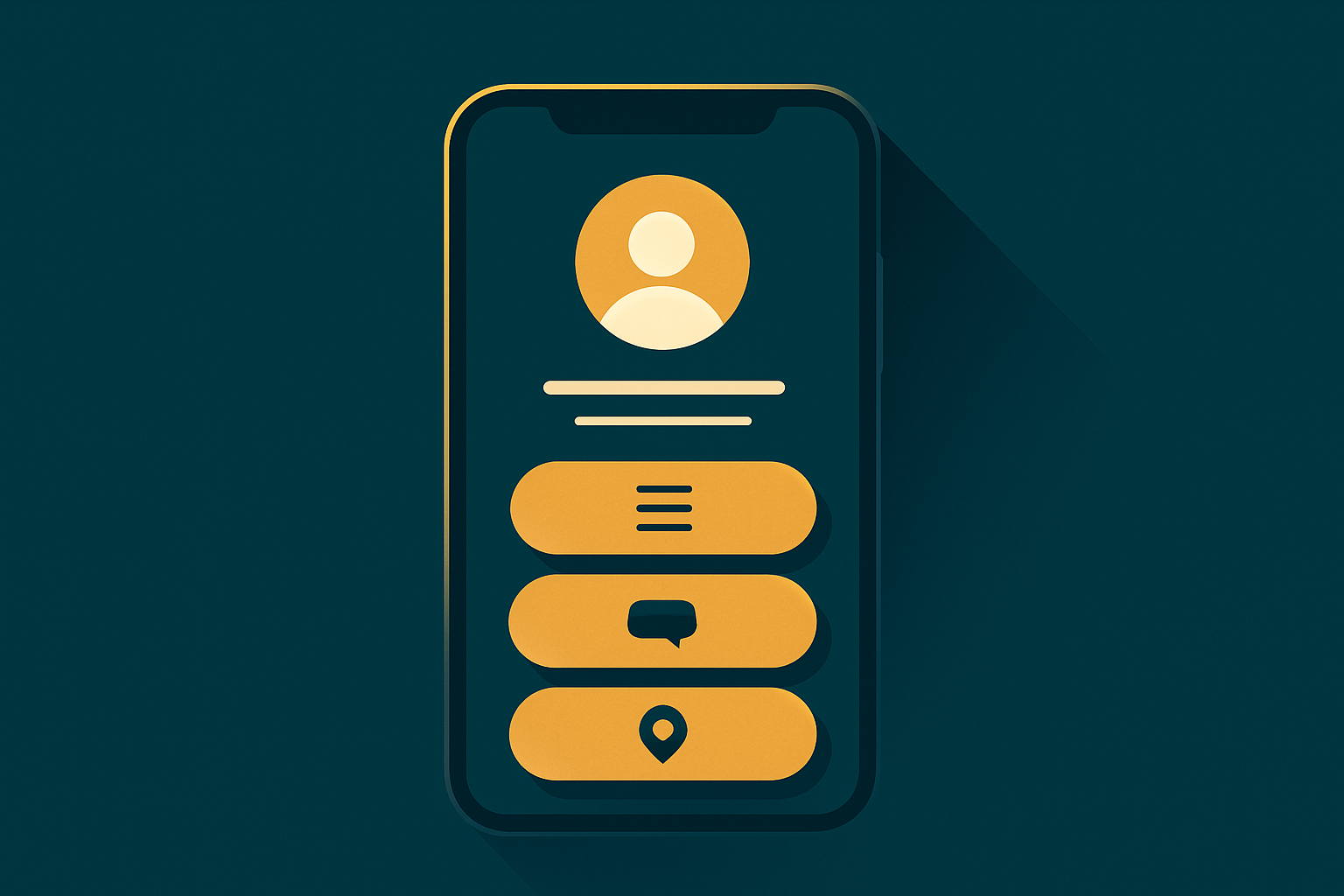
Restaurants and cafés are among the businesses that benefit most from a bio page. Why? Because the customer journey is short and fast: they see an appetizing post on Instagram, then want to order, check the menu, or reach the branch — in seconds. If they only find one link in the bio, you’ll lose many orders. A bio page turns that in-the-moment interest into an actual order.
The problem: interest exists, but the path is blocked
Imagine a customer who just saw a burger photo on your account. They’re hungry and ready to order. They tap the bio and find a link to a slow website, or only a phone number, or nothing. Within seconds their excitement fades and they close the app. Every second of delay is a potential lost order. A bio page shortens the path: a clear “Order on WhatsApp” button at the top, a “Menu” button next to it, and a “Find us” button for quick directions.
The solution: one link that gathers everything
On a restaurant bio page you place, in a smart order:
- Order on WhatsApp: with a pre-filled message like “Hi, I’d like to order from…,” so the customer starts immediately.
- Digital menu: a button that opens your full digital menu with items, prices, and photos.
- Find us on the map: to make reaching the branch easy.
- Current offers: via a countdown block that ends automatically when the offer ends.
- Your accounts: Instagram, TikTok, and Snapchat to follow your latest.
A QR code on tables and flyers
The strongest feature for restaurants is the QR code. Download your page’s QR in print quality and your restaurant’s colors, and put it on tables, the entrance, delivery bags, or flyers. The customer scans it and your page opens to order or view the menu in an instant. It’s a practical way to connect the physical world (the table) with the digital world (the order).
Measurement: know what works
With analytics you learn which button your customers tap most: WhatsApp or the menu? Where do your visitors come from: Instagram or TikTok? What are your busiest hours? This information helps you improve your posts, their timing, and your offers — all without cookies and without storing customer data, out of respect for their privacy.
A real scenario: from post to order
Let’s see how a bio page works in practice. Your restaurant posts a photo of the dish of the day on Instagram in the evening. A hungry customer sees it and taps the bio. Your page opens in a second on their phone, and at the top they find a clear green “Order on WhatsApp” button. They tap it and the chat opens with a ready message: “Hi, I’d like to order.” They type their order and send it straight to the restaurant’s number. No app to install, no slow website to browse, no searching for a number. A few seconds separated desire from order — and that’s exactly what makes the difference in daily revenue.
Button and block ideas for restaurants
- Dish of the day / weekly offer: a prominent block with a countdown that ends automatically.
- Price list or events menu: a button that opens your full digital menu.
- Branches: a map button for each branch to make arriving easy.
- Reservations: a table-booking button via WhatsApp or a simple form.
- Hiring: a form to receive job applications as you grow your team.
- Rate us: a link to leave a Google Maps review to boost your reputation.
Why Arabic-first tools win here
Most restaurant audiences in our region browse in Arabic. Foreign tools are often weak in right-to-left layout and Arabic fonts, so the page looks broken or unpolished. GoSocial Bio Hub is fully Arabic-first: proper RTL design, beautiful Arabic fonts, and copy close to your audience’s dialect. These small details are what make a customer trust and order.
Do you need a full website?
At first, no. A bio page is entirely enough to convert your followers into orders. As your restaurant grows you can add a complete digital menu that opens from the same page, so the customer sees items, prices, and photos and orders directly. The idea is to start simple and fast, then expand as you need — without paying for a complex website your restaurant doesn’t need yet. This gradual approach saves money and time and keeps you focused on what matters: serving your customers.
Measuring results and improving offers
A week after publishing, open analytics. You might discover that the WhatsApp button gets more clicks than the menu, so you feature it more. Or that most visitors come in the evening, so you schedule your posts and offers for that time. Or that a particular offer earned high clicks, so you repeat it. Measurement turns guessing into decisions based on real data — all without cookies and without storing your customers’ data.
Getting started for a restaurant
Create your free page, add the WhatsApp, menu, and location buttons, choose your restaurant’s colors and an elegant Arabic font, download the QR and place it on tables and packaging, then review analytics weekly and adjust the order based on the numbers. Within days you’ll notice the difference in how easily your customers reach the order, and in the number of orders coming through WhatsApp. Start your restaurant’s page now for free, and make every appealing post a direct path to a real order.
Related articles
GoSocial Bio Hub: A Step-by-Step Guide to a Professional Bio Page
In a few minutes you can build a fully branded bio page: colors, Arabic fonts, buttons, video and countdown and lead-form blocks, and a QR code — then track the analytics. Here’s your practical guide.
What Is a Link-in-Bio Page? And Why Your Business Needs One
Instagram and TikTok give you a single link in your bio. A link-in-bio page turns that one link into an organized gateway to everything you share: your store, menu, WhatsApp, and accounts.