
Paper vs Digital Menu: The Complete Comparison for Restaurants
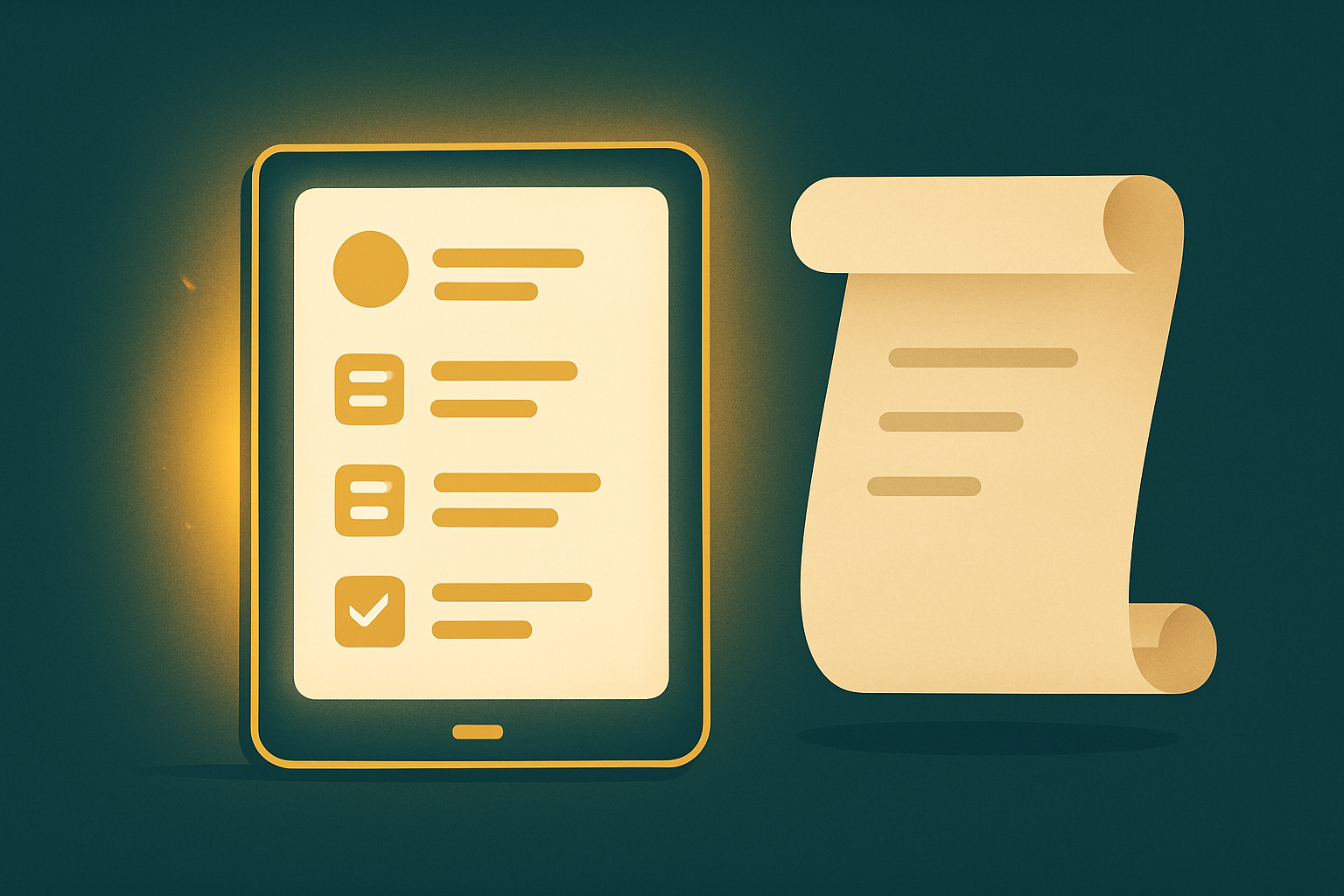
If you run a restaurant or café, the question is no longer "should I build a digital menu for restaurants?" but "when?". A digital menu is now the standard your customers expect; it saves recurring printing costs, boosts sales, and gives you real data about customer behavior. This detailed guide compares paper vs digital honestly, and shows how to choose and start right, so you reach a clear decision for your restaurant.
What is a digital menu, exactly?
A digital menu is your restaurant's menu online, reached by scanning a QR code on the table or tapping a link in your bio or a WhatsApp message. It holds items, prices, photos, descriptions, offers and reviews — and its key advantage is instant updates with no reprinting. Change a price, mark an item sold out, or add an offer, and the customer sees it in seconds, which is impossible on paper.
The core difference between paper and digital
A paper menu is static: once printed, any change needs a redesign, a new print run, new cost and time. A digital menu is live and flexible: you manage it from a simple dashboard, adding, editing and hiding easily, and it runs on the phone the customer is already holding — nothing to distribute, damage, or lose.
The full comparison, point by point
1) Long-term cost
Paper is a recurring cost: every change in prices or items means a new print run. Picture a restaurant that changes prices twice a year and prints 200 copies each time — that's an endlessly recurring yearly expense, plus copies that wear out and get dirty. A digital menu is a one-time setup, after which updates are completely free for life. Over a year or two, the cost difference clearly favors digital.
2) Update speed and flexibility
Changed a price? Sold out? Have an offer only today? With paper you can't react quickly and often end up crossing things out by pen or apologizing. With digital you edit in seconds, avoiding the awkward "that item isn't available" after the customer chose and ordered it.
3) Customer experience and sales
Appetizing photos hugely influence the order decision. A digital menu allows a professional photo per item + a mouth-watering description + clear categories + search. You can highlight "best sellers", "today's offer", add-ons and combos — naturally raising the average ticket (upsell) without anyone feeling sold to.
4) Direct ordering without commissions
The biggest hidden advantage: a digital menu can connect the customer to order via WhatsApp directly, so the order reaches you without delivery-app commissions eating your profit (sometimes 20-30% of the order). That turns the menu from a display into a real sales channel you own.
5) Data and tracking
A paper menu gives you nothing. Digital tells you how many opened the menu, which item was viewed most, and what draws attention versus what nobody looks at — so you improve your menu with data, not guesswork, dropping dead items and focusing on what sells.
6) Languages, reach and sharing
One page in Arabic and English instead of two printed versions, and one link to share across all social media and in your message replies — wider reach, lower cost, easier sharing.
A real scenario that shows the difference
Imagine a café running a summer offer on cold drinks. With paper: design + print + distribute, and after the season the offer stays in the printed menu until you reprint. With digital: the offer was added in two minutes, highlighted at the top, and removed with a tap after the season — plus they learned how many viewed it and how many ordered because of it. Same idea, but a big difference in speed, cost and outcome.
QR codes for your restaurant: how to use them right
A QR code is the bridge between the table and the digital menu. Keep it clear and printed at a sufficient size on a small stand on every table, and on the storefront, the receipt, and offer posters. Add a simple line next to it like "Scan to order" to guide the customer. You can use the same code everywhere because it always points to the same, always-updated page.
The digital menu and local Google search
A digital menu as a web page helps your restaurant show up when someone searches for your food in your area, unlike a printed image that search engines can't read. When you add your items and descriptions in clear words, you give Google content it understands and displays — free reach to customers actively looking for you.
How to choose a digital menu provider
- Ease of management: you can edit yourself in seconds without tech support.
- WhatsApp ordering: a direct order channel with no commissions.
- Arabic support and on-brand design: your restaurant's colors and logo.
- QR code and reports: print-ready + view data.
- Offers, coupons and reviews: features that boost sales.
When is paper still suitable?
If your restaurant is fine-dining and a premium printed piece on the table is part of its identity, or your items are stable and rarely change, paper can stay as part of the experience. Even then, a QR digital version is now expected, so it's best to combine both rather than choose one.
Signs you need to switch to digital now
- Your prices change more than once a year.
- You run seasonal or daily offers.
- You sell online or take WhatsApp orders.
- You want to cut recurring printing costs.
- You want to understand customer behavior with data.
- You have more than one branch and need to update all at once.
How to build a digital menu in minutes
No developer or technical skill needed. In short: enter your items, prices and photos, organize them into logical categories, add offers and descriptions, generate a link and QR code, and place it on the table or social media. We covered this step by step in the guide to creating a digital menu in 10 minutes.
Mistakes to avoid when switching
- Poorly lit photos — the photo sells, invest in it even with a good phone.
- Scattered categories — organize the menu logically to ease choosing.
- Forgetting availability updates — instant hide exists, use it.
- Neglecting the order link — add a clear "Order via WhatsApp" call.
- Bland descriptions — write mouth-watering copy, not just the item name.
Connect your menu to your marketing
A digital menu complements your social marketing: you post an appetizing dish photo, the customer taps the link and orders instantly without hunting for your number. Learn how to build this system in the restaurant social media marketing guide.
Conclusion
A digital menu wins on almost every front: cost, speed, customer experience, sales, data, and search visibility. Paper can remain a luxury touch, but digital is now essential, not a luxury. Ready to start? Check out Go Social AI's Digital Menu and launch your restaurant menu with a link, QR code and WhatsApp ordering in minutes.
Related articles
How to Turn First-Time Restaurant Guests Into Loyal Regulars in Egypt
What turns a guest into a loyal regular? This guide digs deep into practical strategies for Egyptian restaurants, from staff training and atmosphere tweaks to local partnerships and social proof. Real examples and actionable steps, no fluff.
Customer Experiences in Restaurants: How to Build Lasting Loyalty to Your Brand?
Discover how to build lasting loyalty for your restaurant brand by enhancing customer experiences.
How to Use Influencer Marketing to Boost Your Restaurant's Popularity
Learn how to effectively use influencer marketing to increase your restaurant's visibility and customer loyalty.