
How to Move Your Client From Manual Management to a Professional Platform
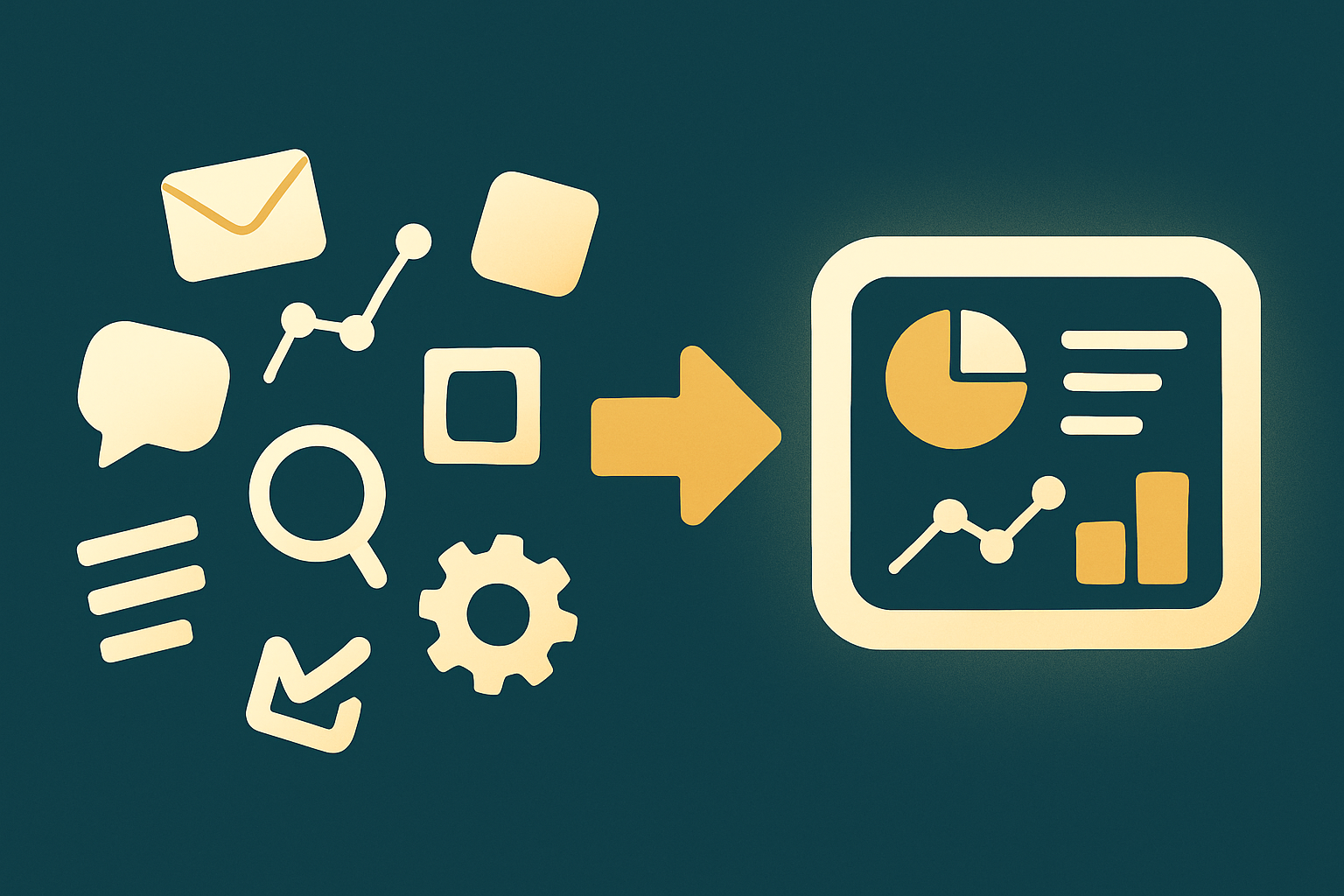
Moving to a professional social media platform instead of scattered manual management is a step that changes the shape of your work entirely. Many agencies and freelancers still manage their clients with spreadsheets, scattered WhatsApp messages, and files saved in different places. This transition isn't easy if not planned right, but it's worth the effort. In this article we'll explain how to move your client (or yourself) from chaos to professionalism with clear steps that reduce resistance to change.
Signs it's time to make the switch
If you find yourself forgetting posting dates, getting lost in scattered messages, or unable to give your client a quick report, these are all signs that manual management has become more of a burden than a solution. The more accounts or clients increase, the faster the chaos grows compared to your actual growth. Recognizing these signs early saves you a long time of suffering before making the decision.
Explain the value of change to the client, not just the tool
The client won't get excited about a new tool just because it's "modern," they'll get excited when they understand the value: clearer reports, faster replies, better organization. Explain the direct benefit to them, not to your work. Read the social reports guide. Focusing on client value reduces their resistance to change and makes them a partner in the decision, not just a recipient of it.
Plan the migration in phases, not all at once
Don't try to move everything at once. Start by moving scheduling and publishing first, then move analytics and reporting, and finally invoicing and contracts. Phased migration reduces confusion and lets you confirm each step succeeded before moving to the next. Small phases make the change more bearable than one big leap at once.
Keep old data as a reference
Before completely leaving the old system, keep a copy of important data: posting history, past performance, and important conversations. Old data can help you compare performance before and after the transition, and protects you if you need to go back to old information not present in the new system.
Train yourself (and your team) on the new system
Dedicate enough time to learn the new system before fully relying on it with real clients. Try all features on a test account, and understand the full workflow. Read the social media team management guide. Prior training reduces embarrassing mistakes that could happen in front of the client in the first weeks of transition.
Clarify the difference the client will notice
After the transition, the client should notice a tangible difference: faster replies, clearer reports, better content organization. If there's no noticeable difference, the client won't understand why anything changed at all. Make sure the transition brings real value, not just a cosmetic change in the tools used behind the scenes.
Unify everything in one place
The main goal of the transition is unification: all accounts, all conversations, and all reports from one place instead of scattered files and apps. Go Social AI gathers all this in one dashboard. This unification is what turns chaos into a system capable of future scaling and growth.
Handle resistance to change patiently
Some clients or team members might resist change because they're used to the old way. Listen to their concerns, explain the benefit patiently, and give them time to adapt. Patience during the transition phase reduces friction and increases the chance of long-term success for the change, instead of it being rejected from the start.
Measure the difference after the transition
After a month or two of transitioning, compare: did you become faster in replying? Are reports clearer? Did you reduce time wasted on administrative tasks? Actual measurement proves the value of the decision and shows you if you need to adjust anything in how you use the new system.
Plan to gradually expand usage
After mastering the basics, start exploring advanced features like AI and deep analytics. Read the AI tools guide. Gradually expanding usage ensures you extract maximum value from the platform over time instead of using only a small part of it.
Common mistakes during the transition
- Trying to move everything at once, causing confusion.
- Not explaining the value of change to the client, causing resistance for no clear reason.
- Neglecting prior training, causing mistakes in front of the client.
- Not keeping a copy of old data as a reference.
- Not measuring the actual difference after the transition.
Conclusion
Moving from manual management to a professional platform = clear signs of the need for change + explaining value to the client + phased migration + prior training + unifying everything in one place. These steps make the change smooth instead of a shock. Start your transition from Go Social AI, and tie it to the managing client accounts guide. Start free.
Related articles

Essential Tools for Every Social Media Freelancer
The essential tools every social media freelancer needs: unified scheduling, AI, unified inbox, and reporting.

Clear Contracts & Plans With Social Media Clients
How to build clear contracts with social media clients that protect your work: service scope, pricing, ownership, and cancellation terms.

How to Scale Your Marketing Agency and Manage a Bigger Team Professionally
A marketing agency scaling guide: building systems, delegation, managing a bigger team, maintaining quality, pricing and client retention — so your growth is sustainable not chaos.